
TV RENTAL SINGAPORE
TV Rental in Singapore
45, 55, 65, 85 and 110-inch TVs for your venue, content and event requirements
Need to display presentations, videos, brand content or live visuals at a corporate meeting, exhibition, product launch, wedding or gala dinner?
Media Flow Studio provides TV rental in Singapore with a choice of 45-inch, 55-inch, 65-inch, 85-inch and 110-inch screens. Pair your screen with a wooden stand, wheeled metal stand, minimalist floor stand or booth wall mount.
Your rental may include delivery, on-site installation, signal connection, display testing, dismantling and collection—so your screen is ready before the event begins.
Not sure which TV size or stand you need?
Send us your event date, venue, expected audience size and display requirements. We will help you assess the available options.
Share your event date, venue, required quantity and intended use to receive an initial recommendation.
MORE THAN A TV DELIVERY
More than delivering a screen—we help make sure your content is ready to display
A successful event display depends on more than screen size. Viewing distance, stand design, screen position, content format and signal source can all affect the final result.
Tell Us About Your Venue and Display RequirementsRecommendations Based on Viewing Requirements
We consider your audience size, viewing distance, content type and available venue space when helping you compare TV sizes.
Flexible TV and Stand Combinations
Choose from wooden stands, wheeled metal stands, floor stands and booth wall mounts to suit the style and practical requirements of your event.
Delivery, Installation and Signal Testing
Our team can coordinate transportation, stand assembly, TV installation, signal connection and basic display testing.
Support for Different Content Types
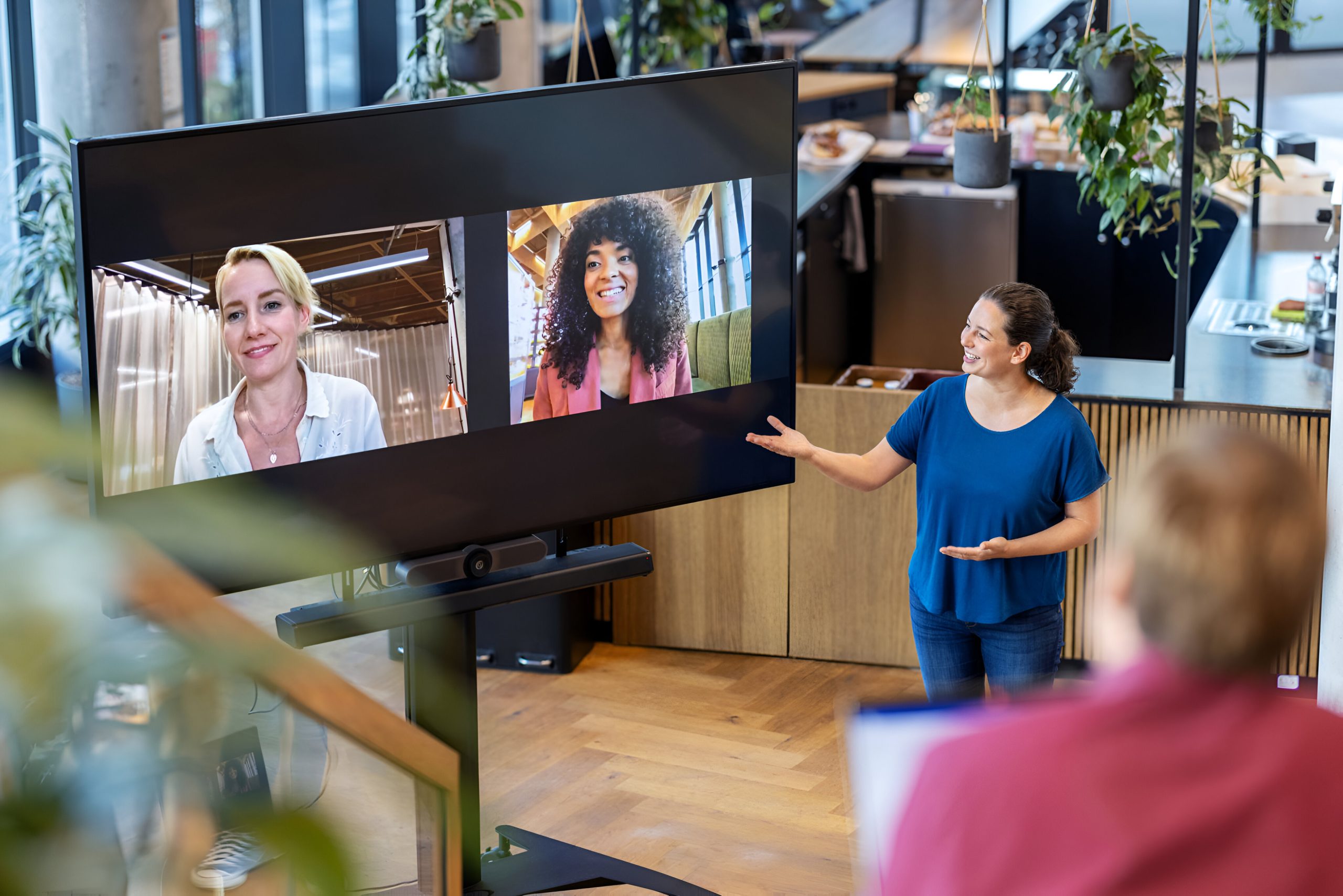
We can assess requirements for PowerPoint, Keynote, videos, images, product demonstrations, video conferencing, live cameras and live-stream feeds.
Multi-Screen Configurations
If your exhibition, conference or event requires multiple screens, we can plan different TV sizes, stand types and signal arrangements for each area.
Clearly Defined Quotation Scope
Your quotation can identify the TV sizes, quantities, stand types, rental period, transport, installation, testing, dismantling and confirmed technical services.
CHOOSE YOUR TV SIZE
Should you rent a 45, 55, 65, 85 or 110-inch TV?
A larger TV is not automatically the best choice. The right screen should allow the audience to see your content clearly while fitting the viewing distance, installation position and proportions of the venue.
You do not need to select the size yourself. Share your basic event information, and we can help you compare the available options.
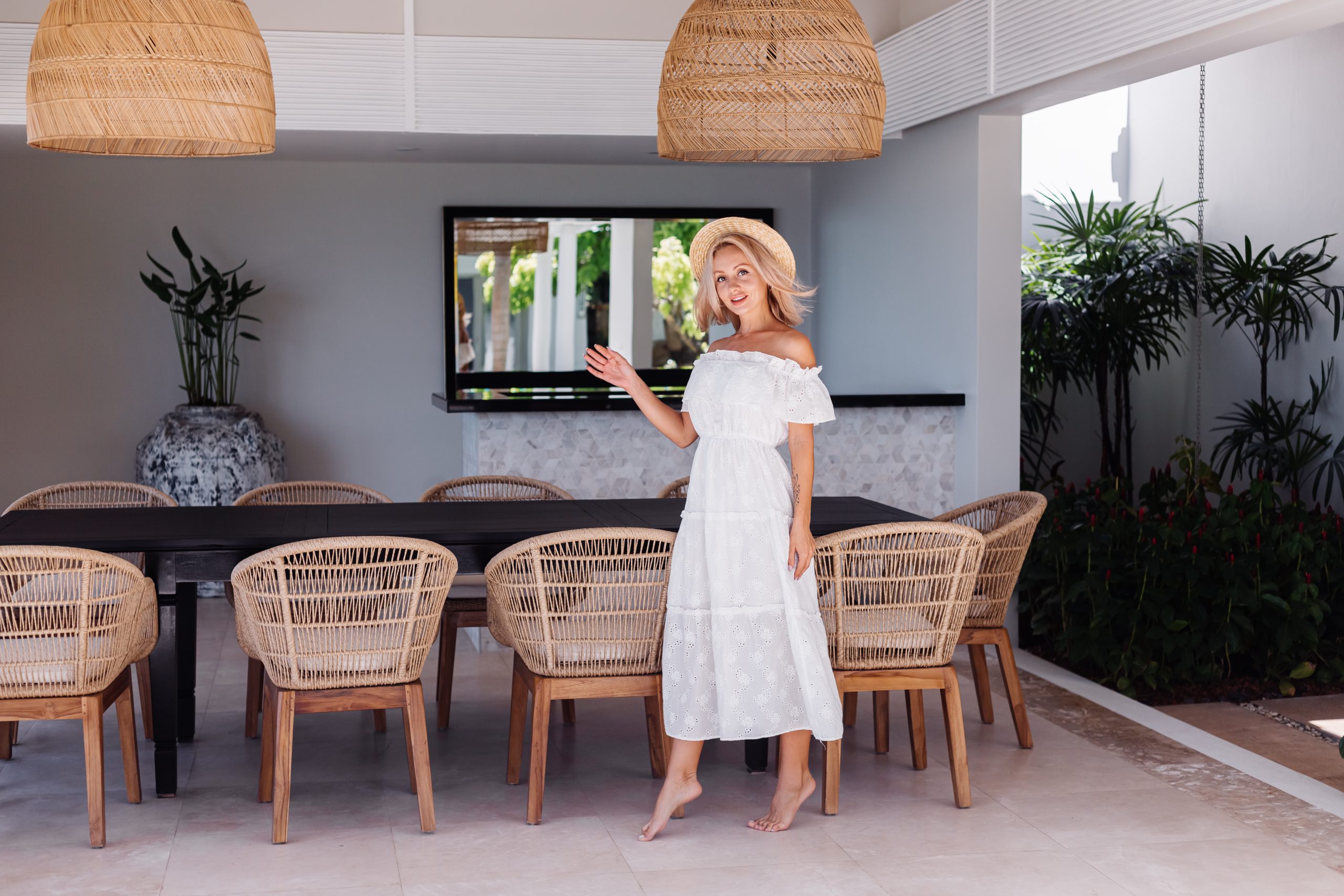
45-Inch TV Rental
A 45-inch TV is a compact option for close viewing where floor or wall space is limited. It works well as a supporting display or as one of several screens positioned around an event venue.
Common applications include:
- Compact exhibition booths and product demonstrations
- Small meeting rooms and discussion areas
- Registration desks and reception counters
- Digital signage, schedules and wayfinding
- Backstage rooms and supporting displays
- Close-range video and brand-content playback
Enquire About 45-Inch TV Rental
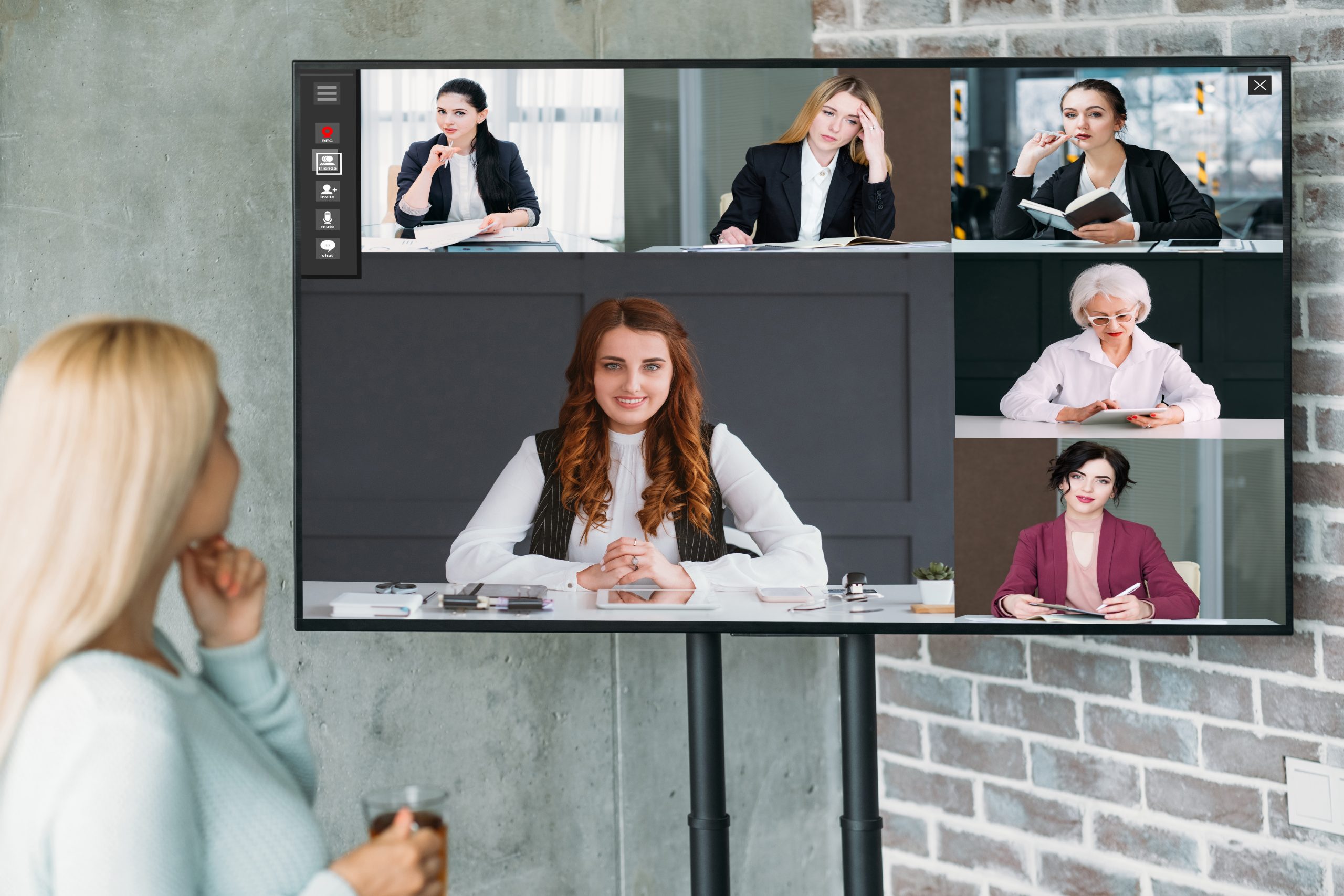
55-Inch TV Rental
A 55-inch TV requires less floor or wall space and is suitable when viewers will be positioned relatively close to the screen. It can also be used as one of several displays across an event venue.
Common applications include:
- Exhibition booths and product demonstrations
- Small meetings and discussion areas
- Registration and reception counters
- Digital signage and event schedules
- Backstage rooms and secondary displays
- Photography, video and brand-content playback
Enquire About 55-Inch TV Rental
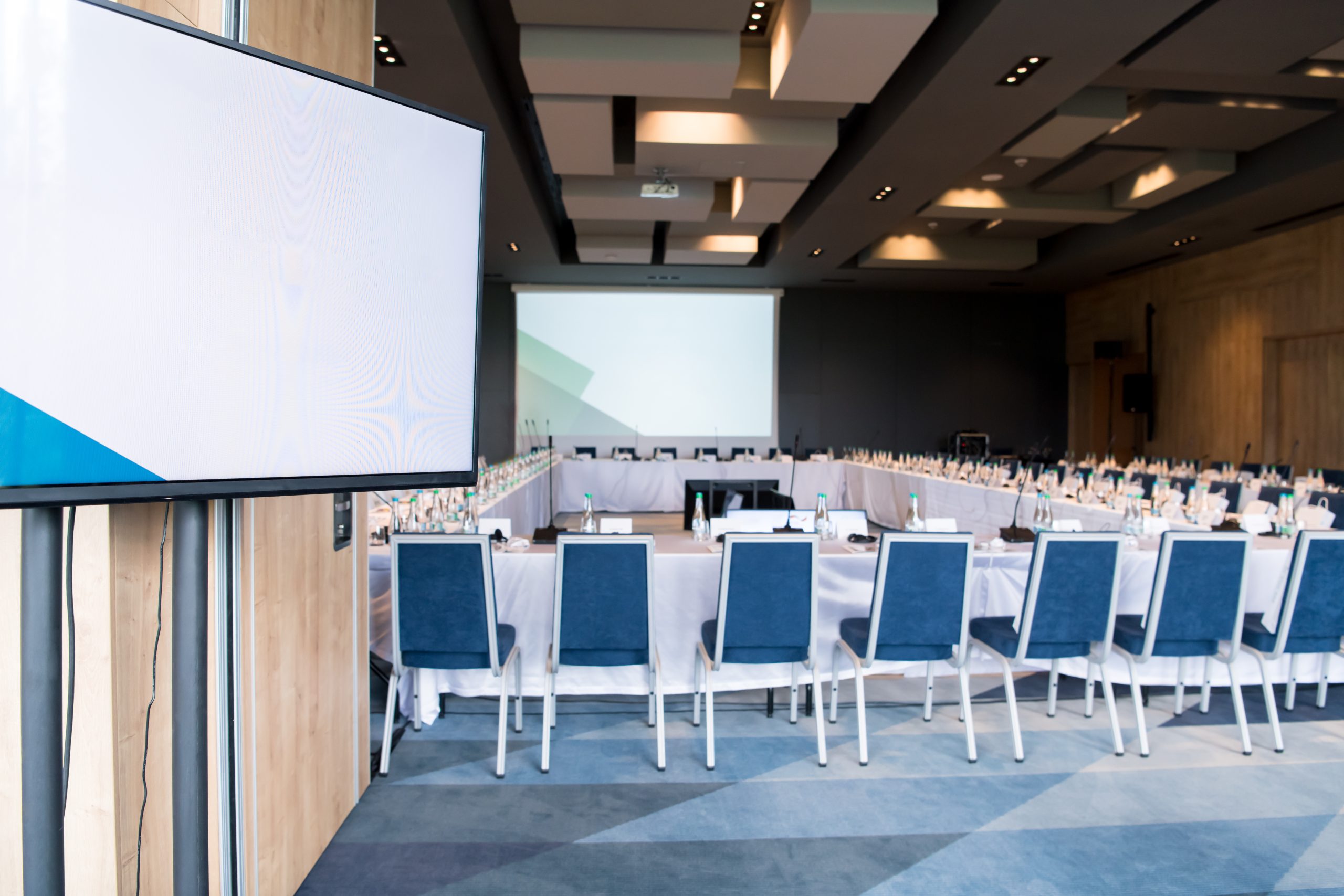
65-Inch TV Rental
A 65-inch TV is suitable for short to medium viewing distances. It provides more display area for presentations, videos, charts and branded content without taking up as much space as a larger screen.
Common applications include:
- Corporate presentations and training
- Seminars and workshops
- Exhibition booth content
- Wedding photographs and videos
- VIP rooms and meeting rooms
- Product demonstrations
Enquire About 65-Inch TV Rental
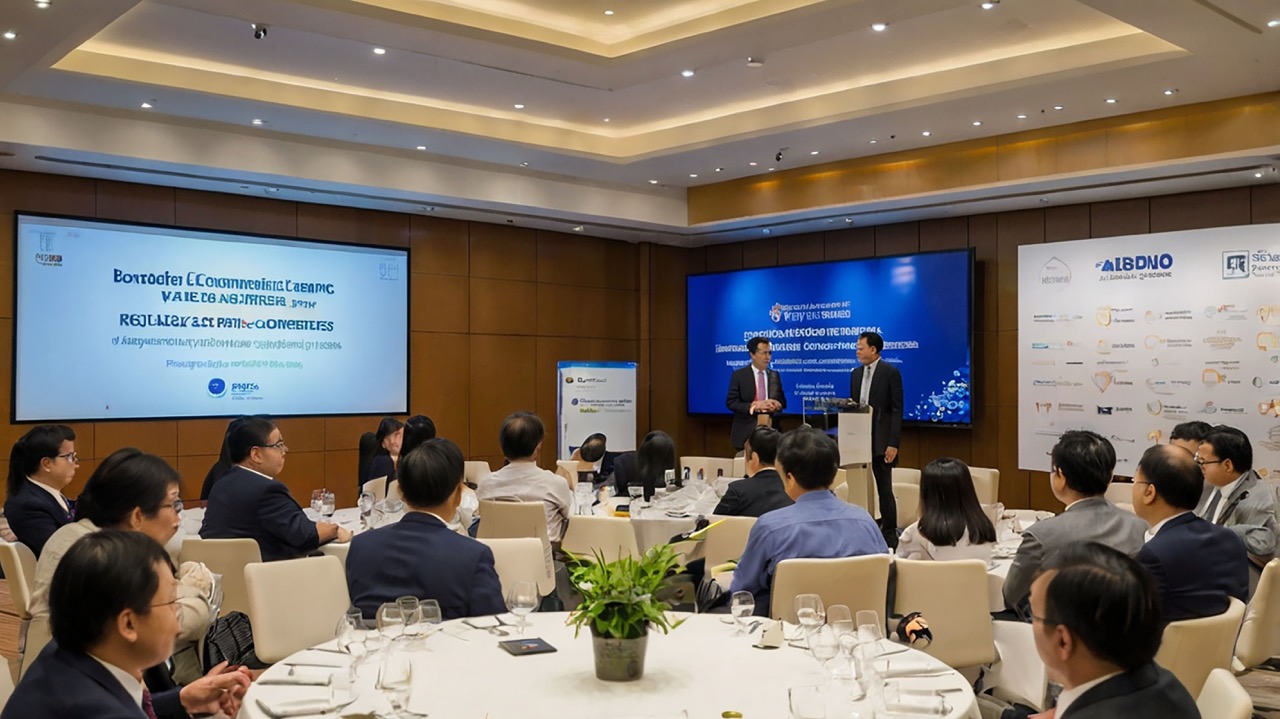
85-Inch TV Rental
An 85-inch TV provides greater visibility while retaining the clean appearance of a single integrated screen. It can be used as a main conference display, exhibition focal point or secondary ballroom screen.
Common applications include:
- Medium-sized corporate conferences and forums
- Main exhibition displays
- Product launches and media events
- Corporate dinners and gala events
- Presentations, videos and branded content
- Secondary screens beside an event stage
Enquire About 85-Inch TV Rental
If you have a larger audience, a longer viewing distance or require a screen larger than a single TV, you may also wish to compare our LED wall rental options.
110-Inch TV Rental
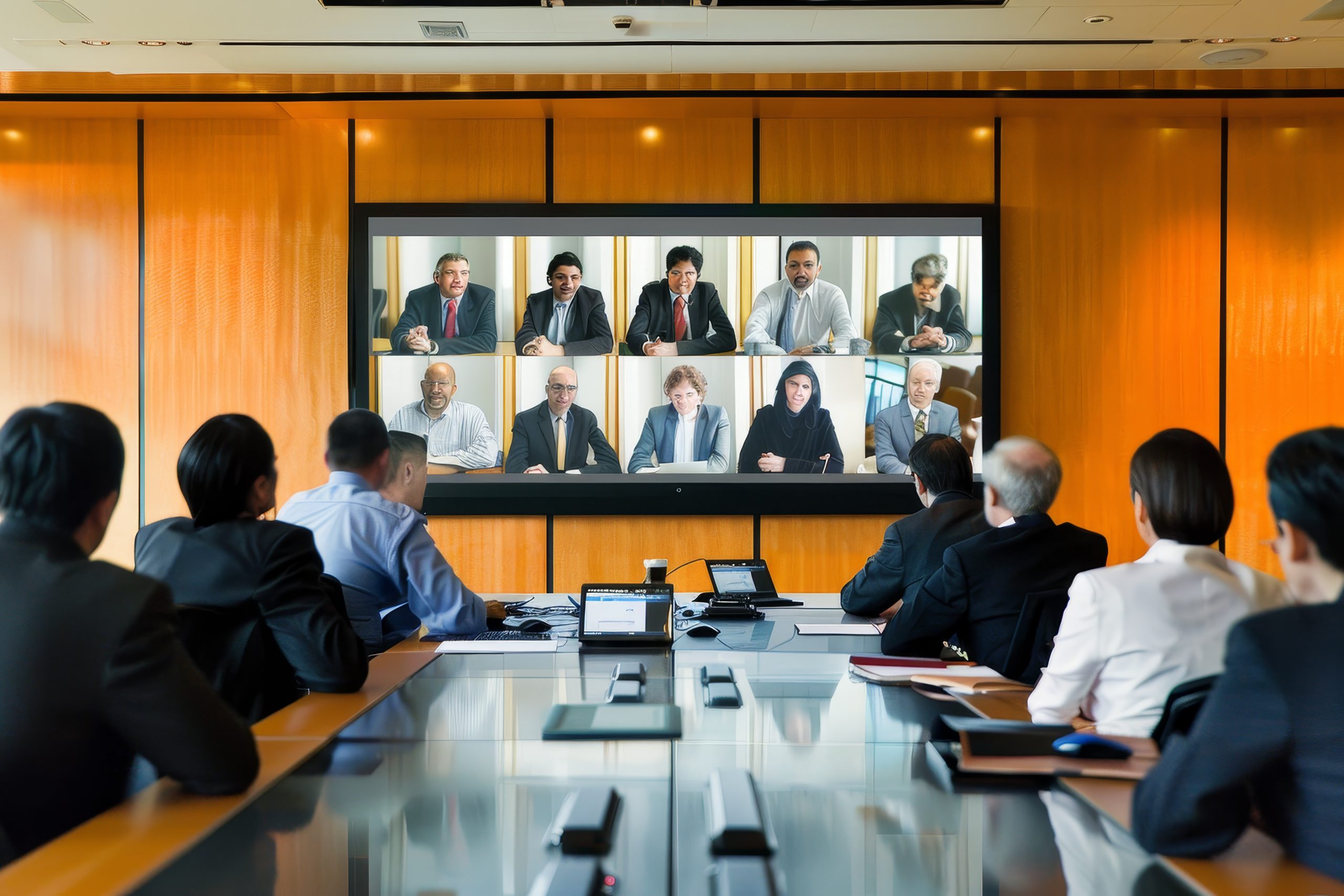
A 110-inch TV is suitable for corporate and brand events that require a large display while maintaining the appearance of one complete, flat screen.
Because of its size, the entrance, corridors, turning areas, freight lift and installation space must be assessed before the booking can be confirmed.
Common applications include:
- Large corporate presentations
- Product launches and media events
- Main exhibition visuals
- Awards ceremonies and corporate dinners
- Important video and brand presentations
- Large reception and visitor-experience areas
Enquire About 110-Inch TV Rental
If the venue cannot accommodate a 110-inch TV, or the audience requires an even larger display, an LED wall may offer a more flexible alternative.
Not Sure Which Size to Choose?
Share the following information so we can recommend a suitable starting point:
- Your estimated audience size
- The nearest and furthest viewing distances
- What content you plan to display
- Where the TV will be positioned
- The available venue width
- How many TVs you require
- Whether the TV will be a main or secondary display
- Venue photographs or floor plan, if available
We will use this information to recommend a suitable starting point.
Get a TV Size RecommendationTV STAND OPTIONS
Four TV stand options for different event styles and environments
A TV stand does more than support the screen. It affects display height, floor space, mobility and the overall appearance of your event.
Available TV sizes, screen orientation and stand models are subject to equipment specifications, venue conditions and stock availability.
Wooden TV Stand
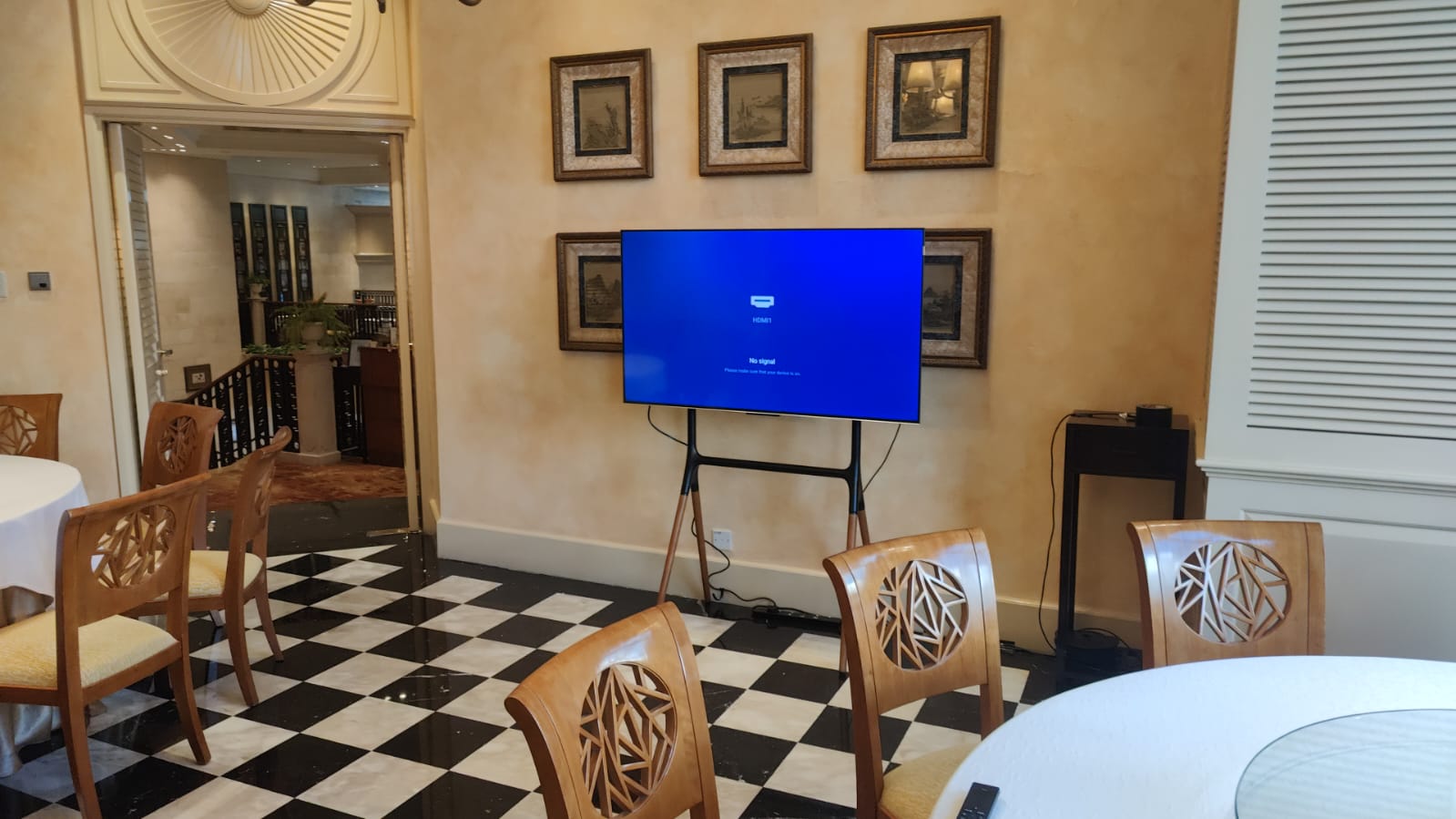
A wooden TV stand can help the screen blend into wedding décor, reception areas and design-led environments. Suitable for:
- Weddings and private celebrations
- Boutique brand events
- Reception and lounge areas
- Lifestyle exhibitions
- Natural, wooden or minimalist event themes
The available TV size and screen orientation must be confirmed according to the selected stand’s load and mounting specifications.
Enquire About a Wooden TV Stand
Wheeled Metal TV Stand
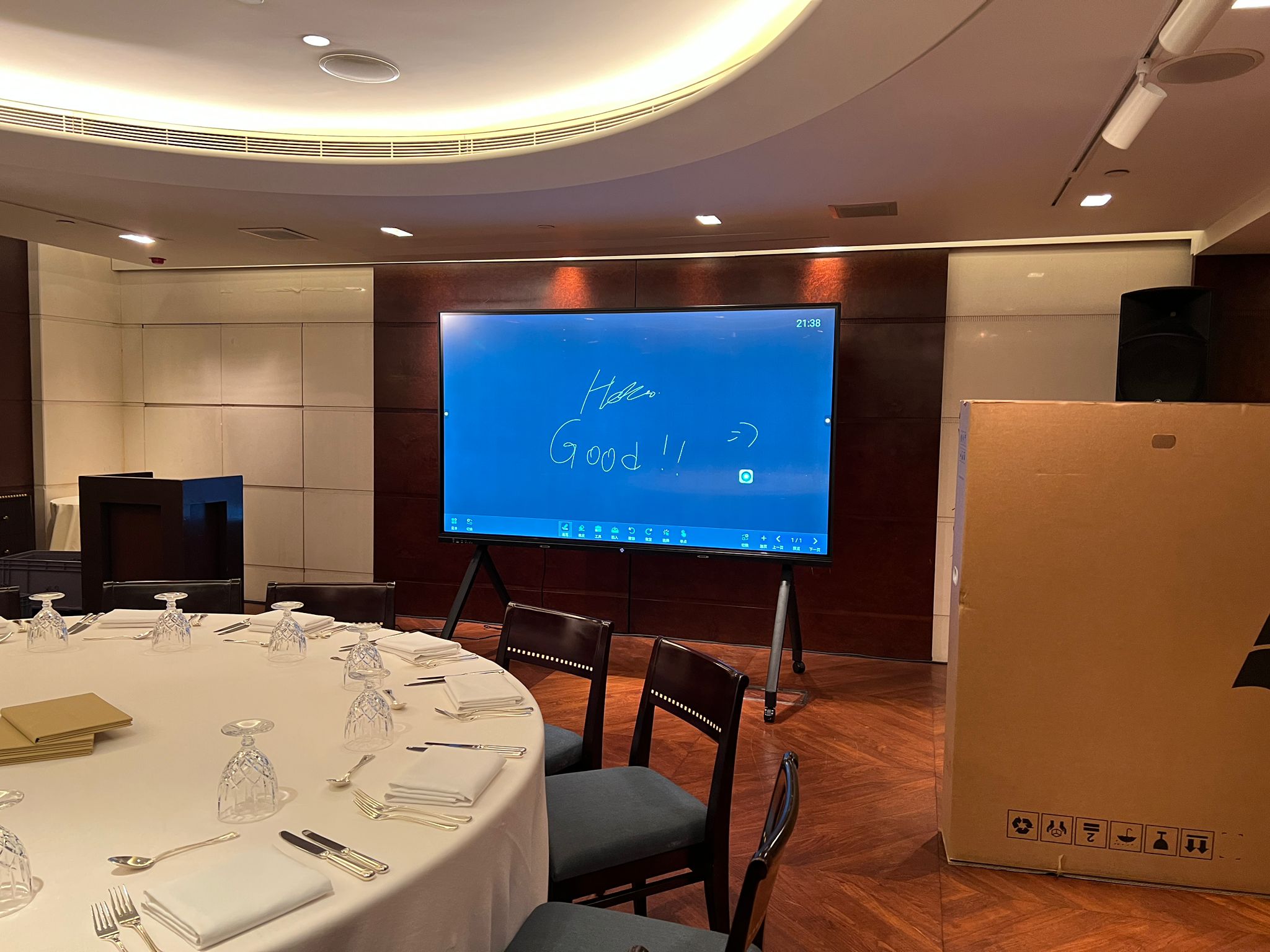
A metal TV stand with wheels is suitable for events where function and placement flexibility are important. The screen may be repositioned by event staff when it is safe and permitted by the venue. Suitable for:
- Corporate meetings
- Training sessions
- Seminars and workshops
- Exhibition booths
- Events where screen positioning may need adjustment
For safety, guests should not move the TV during the event.
Enquire About a Wheeled Metal TV Stand
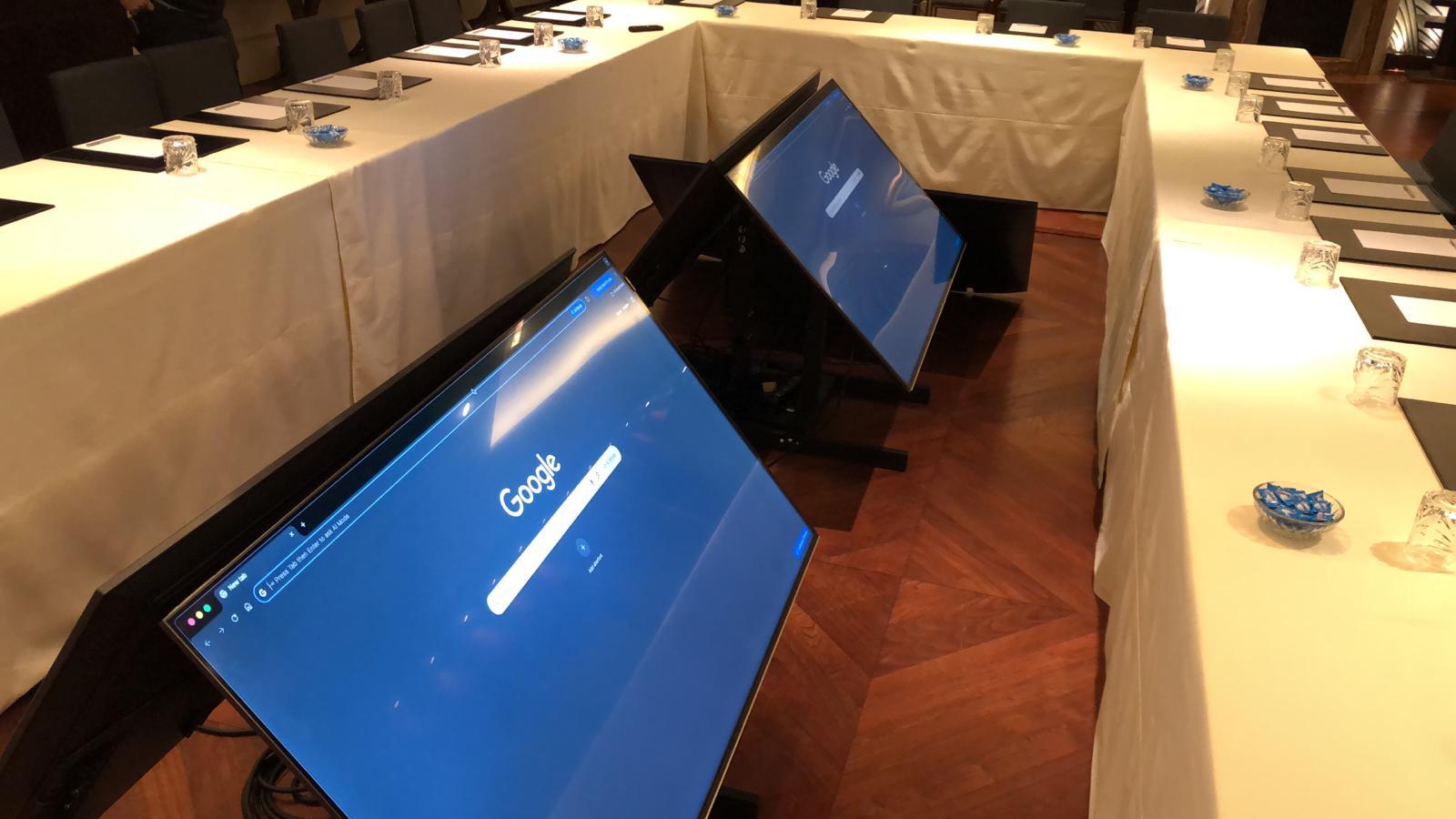
Floor TV Stand
A minimalist floor stand reduces the visual impact of a large equipment base, allowing the screen to integrate more naturally with the surrounding décor. Suitable for:
- Wedding reception areas
- Brand and product displays
- Corporate dinners
- Photography and video playback
- Minimalist event environments
The available stand model and compatible TV size will be confirmed according to stock and installation conditions.
Enquire About a Floor TV Stand
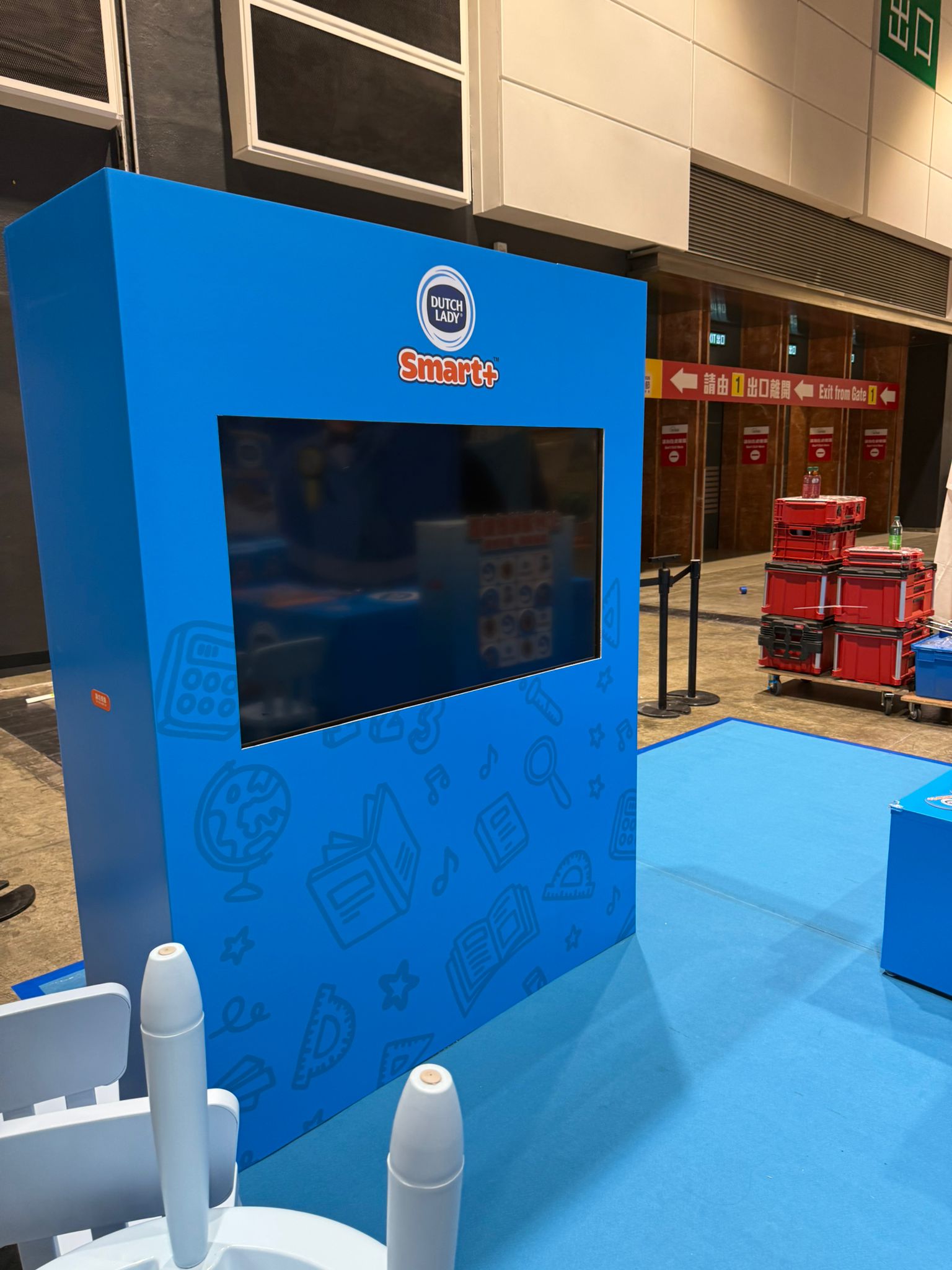
Booth Wall Mount
Where the booth wall or display structure is suitable, the TV can be mounted directly to it. This reduces the floor space occupied by a freestanding TV stand and creates a more integrated exhibition design. Suitable for:
- Exhibitions and trade shows
- Shopping mall promotions
- Brand experience zones
- Product display walls
- Custom exhibition booths
The booth contractor or structural party must confirm the wall’s load capacity, mounting method, installation height and drilling requirements. Installation responsibilities will be agreed upon before the quotation is finalised.
Enquire About a Booth TV Wall Mount
110-INCH TV ACCESS
Venue and Access Requirements for a 110-Inch TV
A 110-inch TV delivers a much larger display, but the screen and its transport packaging require significantly more moving space.
The following information may be required before we can confirm availability and installation feasibility.
Door Width
Include the widths of the building entrance, ballroom doors, exhibition hall entrance and final installation-area entrance.
Corridors and Turning Space
A wide straight corridor does not always guarantee access. Corners, columns, door frames and other obstructions must also be considered.
Event Floor
If the venue is not on the ground floor, confirm whether a freight lift is available and whether it must be reserved in advance.
Moving Distance
Long moving distances, multiple floors or complex routes may affect the required crew size and installation time.
Installation-Area Photographs
Photographs help us understand the final TV position, surrounding equipment, floor condition, available working space and access route.
Freight Lift Dimensions
Please provide:
- Freight lift door width and height
- Internal lift length, width and height
- Weight capacity
Loading Location
Please provide details about:
- Loading bay location
- Parking restrictions
- Vehicle height restrictions
- Permitted loading times
- Security registration or contractor-pass requirements
Recommended Venue Photographs
Please include photographs of:
- Building and venue entrances
- Loading bay
- Main corridors
- Tight turning areas
- Freight lift
- Ballroom or booth entrance
- Final installation position
If the 110-inch TV cannot be moved safely into the venue, we can help you compare a smaller TV, multiple screens or an LED wall solution.
Submit Your 110-Inch TV Access DetailsFREQUENTLY ASKED QUESTIONS
Common questions about TV rental in Singapore
What affects the TV rental price?
Pricing depends on the TV size, quantity, stand type, rental period, venue location, moving conditions and installation and dismantling schedule. On-site technicians, playback equipment, video switching and long-distance signal transmission may involve additional costs.
Should I rent a 55, 65, 85 or 110-inch TV?
The choice depends on your viewing distance, audience size, content, text size, venue space and intended use. If you are unsure, send us your venue photographs, floor plan and content requirements for an initial recommendation.
Should I choose a TV or an LED wall?
A TV is suitable when you want a seamless, integrated screen, a relatively quick installation or a display for a limited space. Consider an LED wall when you have a larger audience, longer viewing distance or require a larger or custom-ratio screen.
Can the TV be displayed in portrait orientation?
Some TV and stand combinations may support portrait installation, but not every size, model or stand is suitable. Select landscape, portrait or not decided when enquiring, and we will confirm the available configuration.
Can I connect a laptop for PowerPoint presentations and videos?
In most cases, a laptop can be connected through HDMI, USB-C or another suitable interface. Tell us the laptop model or output connection so we can determine whether an adapter or additional signal equipment is needed.
Can I play videos directly from a USB drive?
This depends on the TV model, file format and video codec. For events where playback reliability is important, we recommend testing the files in advance or using a dedicated playback device.
Can the TV display Zoom or Microsoft Teams?
This can be arranged depending on the event requirements. Please tell us which computer will host the call and whether you require an external camera, microphone, sound system or remote-participant display.
Can the screen show a live camera or live-stream feed?
Yes, subject to the signal system. Additional conversion, distribution or switching equipment may be required. Include the camera or streaming team’s output format in your enquiry.
Can I rent multiple TVs in different sizes?
Yes. A larger TV can be used as the main display, while smaller screens can be positioned at the registration area, booth, backstage room, lounge or other supporting locations.
Do you provide playback computers or video-switching equipment?
Playback and switching solutions may be provided or recommended according to your event requirements. Tell us how many sources you need to display and whether you need to switch between presentations, videos, cameras or live-stream feeds.
Do you provide on-site technicians?
On-site technical support can be arranged according to the event duration and system complexity. If you only require installation and pre-event testing, the equipment handover arrangements can be stated in the quotation.
What venue information is required for a 110-inch TV?
We may need the door and corridor widths, turning space, freight lift dimensions, event floor, loading arrangements, moving distance and final installation area. Photographs and measurements help us assess whether the delivery route is practical.
Who is responsible for installing a booth wall mount?
The division of responsibilities depends on the exhibition structure and project arrangement. The booth contractor or relevant structural party must confirm the wall’s load capacity, fixing method and installation position.
Can the TV be used outdoors?
Standard event TVs should not be exposed directly to rain, moisture or strong sunlight. Even in a sheltered location, weather exposure, brightness, power, ground conditions and safety requirements must be assessed.
What information is required for a quotation?
Provide your event date, venue, TV quantity, preferred screen size, stand type, screen orientation, content, signal source, installation time and dismantling time.
Not sure about the TV size, stand or signal connection? You can still enquire now
We will consider the viewing distance, content, venue space, access conditions and signal requirements when recommending a suitable configuration and quotation scope.
You can enquire without a floor plan. If venue photographs, booth drawings or access-route information are available, please attach them.